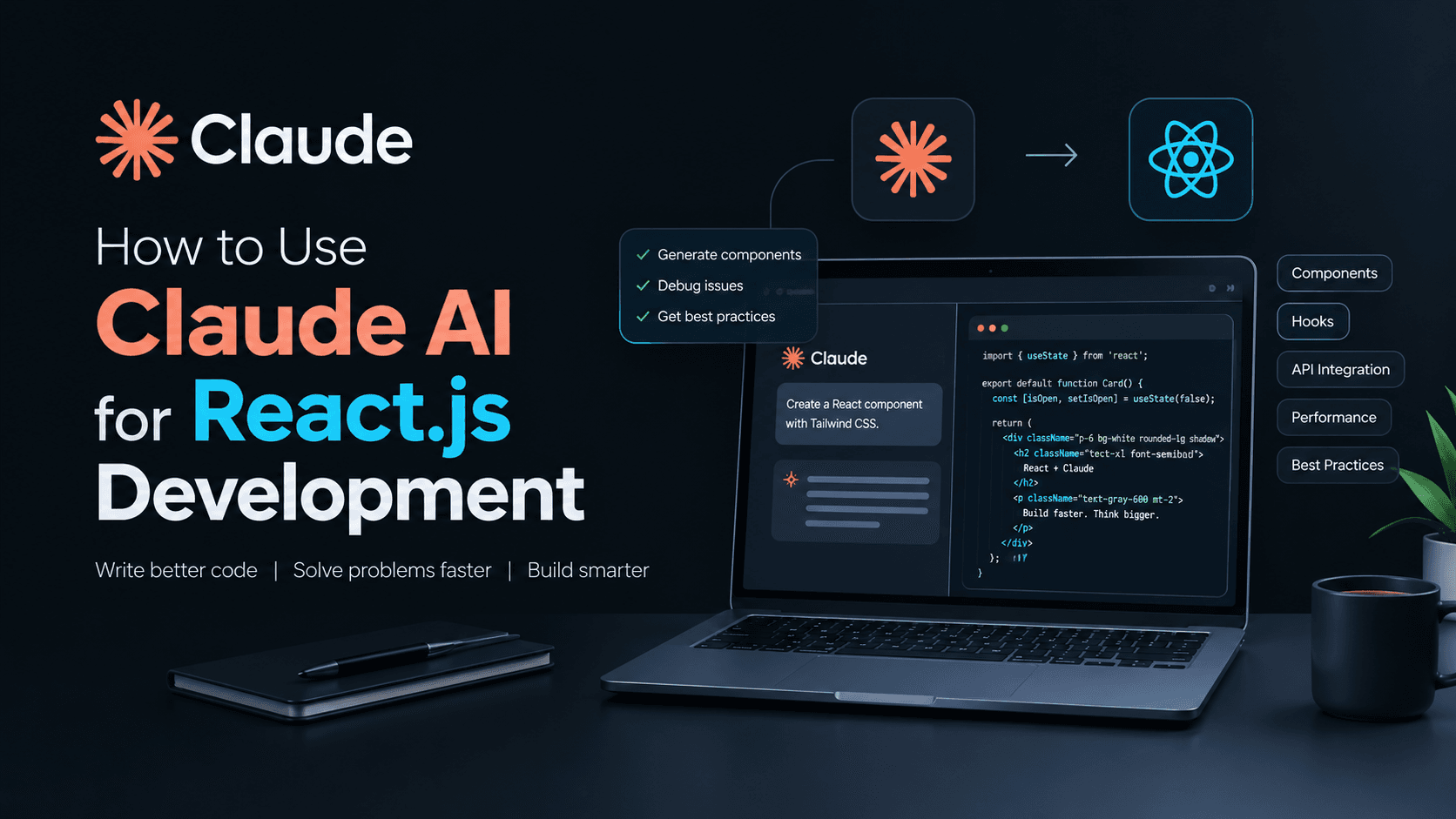
Writing production code every day means looking for ways to speed up the boring parts without breaking the app, which is why I started testing claude ai for react.js development on client projects. Founders usually want features built yesterday, and while AI will not replace solid architecture, it changes how fast you can spin up boilerplate or trace a messy state bug.
Most developers treat AI like a search engine. That is a mistake. When you use it as a thinking partner, your code quality actually goes up. Let us look at how this works in practice.
Setting Up the Workflow
AI output is only as good as your context window. If you paste a massive file and say fix this, you will get garbage back. I break my components down into smaller pieces before asking for help.
When working on a Next.js app or a custom Shopify storefront, I keep my prompts tight. I tell the model what libraries we are using, what styling engine is in place, and what the expected inputs and outputs look like.
Writing Better Prompts
- Specify the exact React version and state management tool.
- Ask for TypeScript interfaces upfront.
- Request error boundaries and loading states immediately.
- Demand clean functional components over class-based legacy patterns.
Component Generation and Tailwind CSS
Styling takes time. Turning a Figma design into responsive Tailwind classes can slow down a sprint. I often use claude ai for react.js development to scaffold complex layouts.
I feed it the structure and ask for a semantic layout using Tailwind. It handles flexbox and grid positioning surprisingly well. Of course, you still need to review the accessibility attributes and make sure keyboard navigation works. AI tends to forget ARIA labels unless you explicitly ask for them.
Debugging State and Hooks
useEffect loops are a rite of passage for every frontend developer. When a component re-renders twenty times and freezes the browser, hunting down the dependency array error drains your energy.
Instead of staring at the screen for an hour, I paste the offending hook and the surrounding state logic into the chat. By treating claude ai for react.js development as a second pair of eyes, I can usually spot missing memoization or stale closures in seconds instead of minutes.
Never paste API keys, database connection strings, or proprietary business logic into public AI tools. Sanitize your code snippets first.
Refactoring Legacy Codebases
Clients often hand over old codebases that need a speed boost. Component files that span over a thousand lines are a nightmare to maintain.
I use claude ai for react.js development to break monolithic components into smaller, reusable custom hooks and presentational sub-components. It helps identify duplicated logic that can be extracted into utility functions. You still have to run your test suite, but the heavy lifting of code partitioning happens much faster.
Writing Tests Without the Headache
Writing unit tests for React components is crucial, but let us be honest—it is tedious. Setting up React Testing Library mocks often takes longer than writing the actual feature.
When I finish a complex form component, I ask the model to generate the test cases covering user input, validation errors, and submission states. It gives me a solid baseline. I just tweak the assertions to match our exact user flows, saving me from writing boilerplate test files from scratch.
Where AI Falls Short
Claude is a great assistant, but it is not a lead architect. It does not understand your client's business goals, budget constraints, or why a specific third-party plugin was chosen six months ago.
Relying on it blindly leads to bloated node modules and unnecessary abstractions. Use it to write the bricks, but keep human oversight in charge of the blueprint.